Local AI transcription, and where it fits on a Mac
Local AI transcription runs the model on your own machine instead of a cloud service. What that means, when it is worth it, and where it falls short.
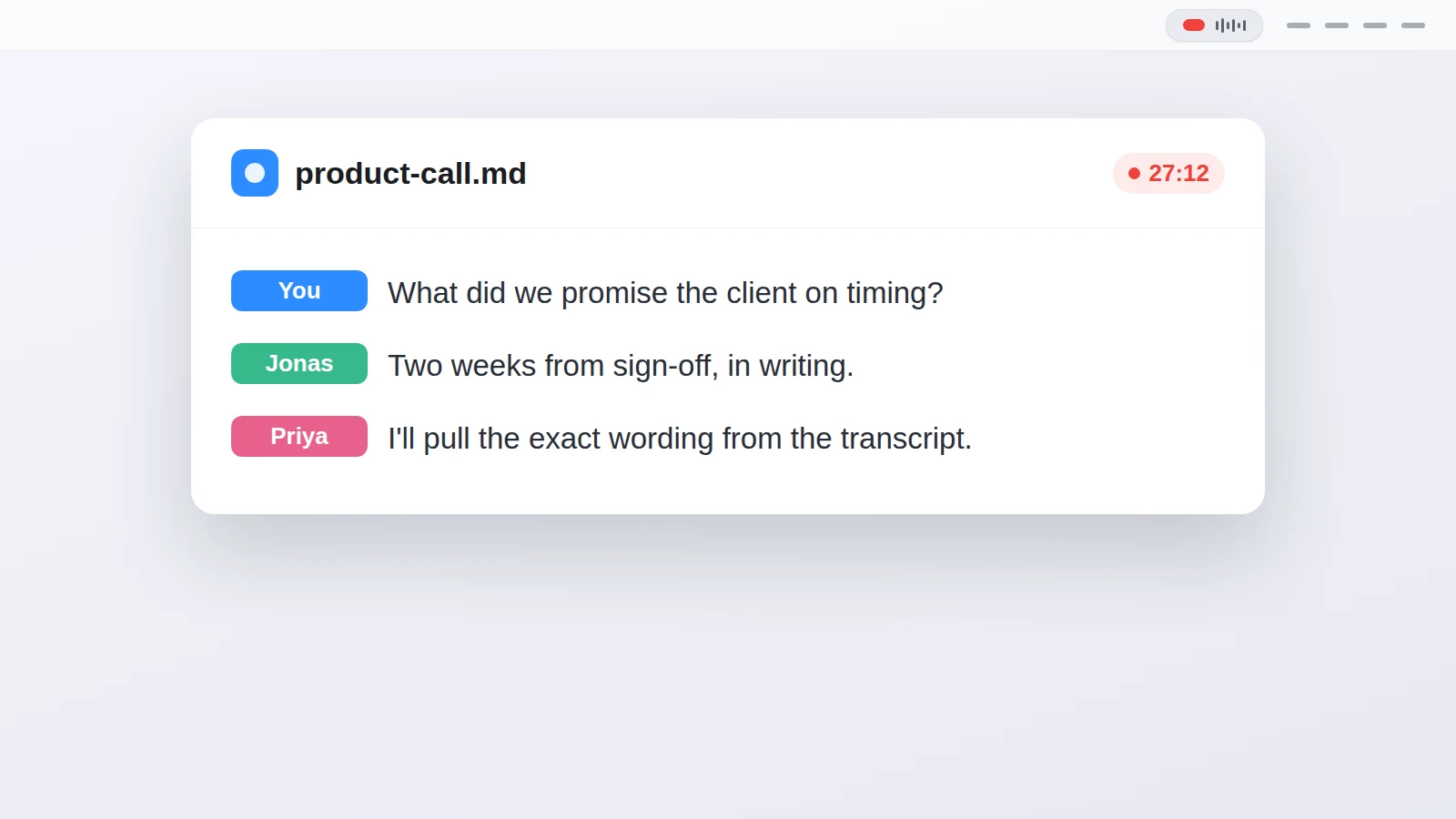
Local AI transcription means the speech-to-text model runs on your own computer, so the audio is turned into text without being uploaded to anyone's server. It's the same job a cloud service does, moved onto your machine: you download a model once, and after that the transcript is produced offline. That trade buys you privacy and no per-minute cost, and in return it asks for a capable machine and a model that fits the work. This post covers what local really means here, what these tools can and can't transcribe, and where the cloud still wins.
What does "local" actually mean?
The model lives on your machine and stops phoning home once it's installed. A cloud transcriber sends your audio to a server, runs a large model there, and sends the text back, which is why it needs a subscription and a connection. A local tool downloads the model files once, then does the same recognition on your own CPU or GPU with nothing leaving the room.
For a lot of people the point is privacy. A call about a client, a doctor's note dictated after a visit, an interview still under embargo: none of it should sit on a vendor's disk, and with local transcription it never does. The other half is cost and control. There's no per-minute billing, and nothing breaks the day the vendor changes its plan or its terms. I wrote up exactly what leaves your Mac in a separate post, if you want the network-level detail.
What can local transcription actually handle?
Most local tools transcribe files you already have. You drop in an mp3 or a video, the model reads it, and you get text back, often with timestamps and speaker labels. Open-source apps built on OpenAI's Whisper cover this case well, and tools like Scriberr add speaker diarization and run everything on your own hardware with no cloud step. If your job is a pile of recordings waiting to be turned into text, that workflow is fine, and I'd point you at one of those apps.
The harder case is a live call. Recording both sides of a Zoom or Teams call as it happens, keeping your voice and the other person on separate tracks, and transcribing it locally while the call runs is a different problem than reading a finished file. That's the gap most local transcription software leaves open: it's built for audio you can hand it, not for the conversation you're in right now.
How does local transcription of a call work?
Recording a call locally starts with the audio. On macOS 14.2 and newer, an app can capture what your Mac plays through Apple's system audio tap, and your microphone through the usual input, as two separate channels. Transcriber records both, runs the model on your Mac (Parakeet, through FluidAudio), and writes the transcript into a folder while the call is still going; it's free and open source.
Because your side and the far side arrive on different channels, telling the speakers apart is half solved before diarization even runs. The far channel gets split into Speaker 1, Speaker 2 and so on after the call, and you can rename them. The transcript is written to disk segment by segment, so if the Mac dies mid-call the text up to the last line is already saved. The model download is about a gigabyte the first time, and after that the recognition runs offline, on macOS 14.2 or newer, most comfortably on Apple Silicon.
Where does local transcription fall short?
Local processing has real trade-offs, and they're worth stating plainly. A cloud service can run a bigger model than fits comfortably on a laptop, and it does the work you'd otherwise wait on your own machine to finish. If you need a shared team workspace, search across everyone's calls, or a mobile app that syncs, cloud tools do a lot that a local one doesn't, and you should use them when that's the job.
Local transcription also asks for a recent Mac. Older or Intel machines can run the models, but Apple Silicon is the comfortable case, and the first run spends time and about a gigabyte of disk on the model download. And a local tool only transcribes what reaches it cleanly, so a bad connection or a room full of echo still ends up in the text. The recording quality decides the transcript quality, wherever the model happens to run.
Questions people ask
What is local AI transcription?
Speech-to-text where the model runs on your own computer instead of a cloud server, so the audio is turned into text without being uploaded anywhere.
Is local transcription private?
The audio and the transcript stay on your machine, and after the one-time model download the recognition runs offline. Nothing is sent to a transcription service.
Do I need a fast computer for local transcription?
A recent Mac helps. The models run best on Apple Silicon, and the first run downloads about a gigabyte of model files; after that the work happens on your machine.
Can local tools transcribe a live call as well as a file?
Most transcribe files you already have. Recording both sides of a call and transcribing it live is a narrower case, and it needs an app that captures system audio and your microphone as separate channels.
Is cloud transcription ever the better choice?
Yes. For a shared team workspace, search across many calls, or a synced mobile app, cloud tools do more. Local wins on privacy and cost, cloud wins on scale and collaboration.
Does local transcription work offline?
After the model is downloaded once, yes. The recognition needs no connection; only the initial model download and, in some apps, an update check use the network.
This article was written with the help of AI, based on how Transcriber actually works, and read and approved by Moritz before publishing.