Transcriber Blog
Notes on recording and transcribing calls on a Mac.
-
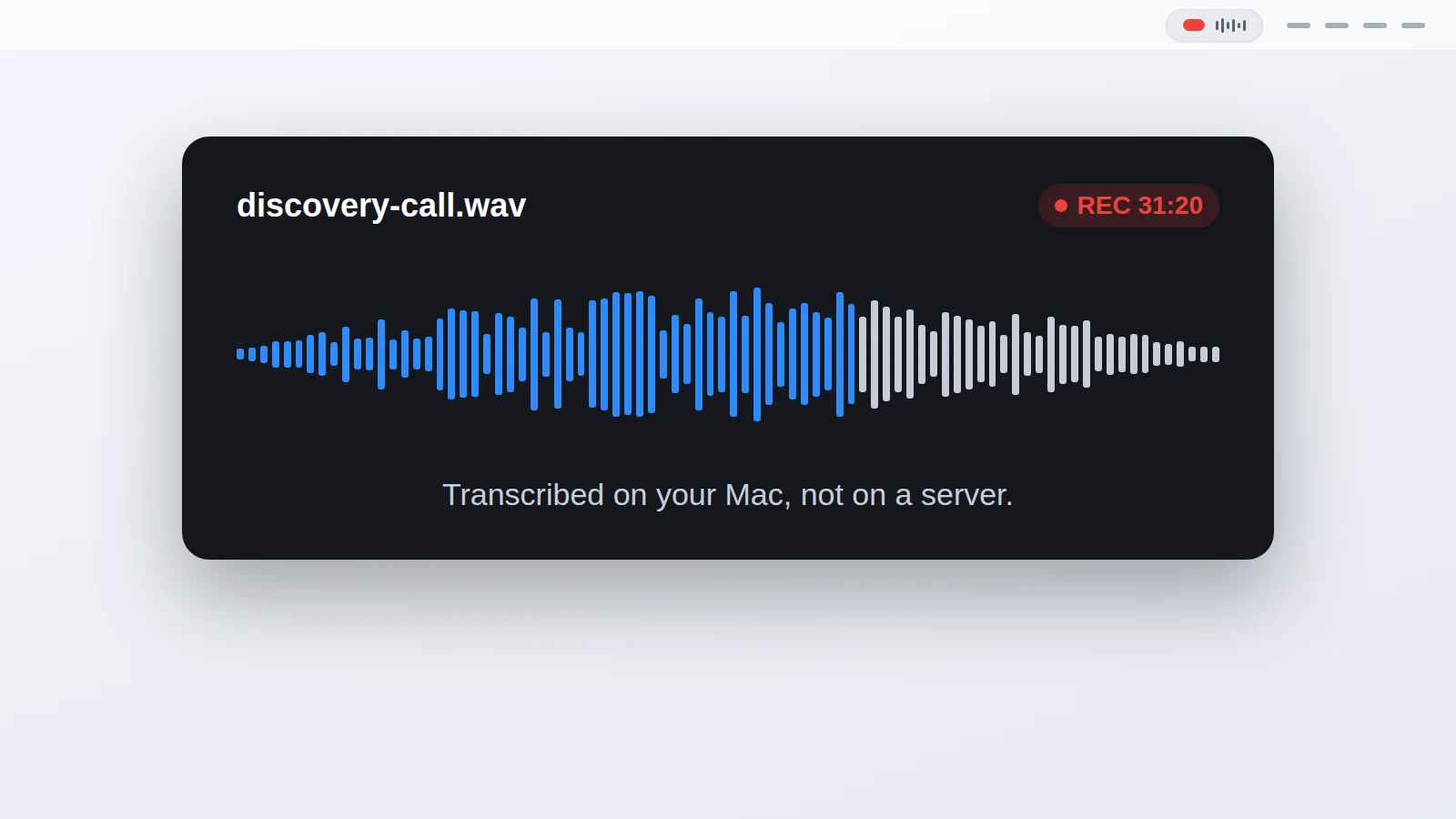 Local vs cloud transcription: what you trade
Local vs cloud transcription: local keeps the audio on your Mac, cloud keeps a copy on a server. What each one wins, and how to pick.
Local vs cloud transcription: what you trade
Local vs cloud transcription: local keeps the audio on your Mac, cloud keeps a copy on a server. What each one wins, and how to pick.
-
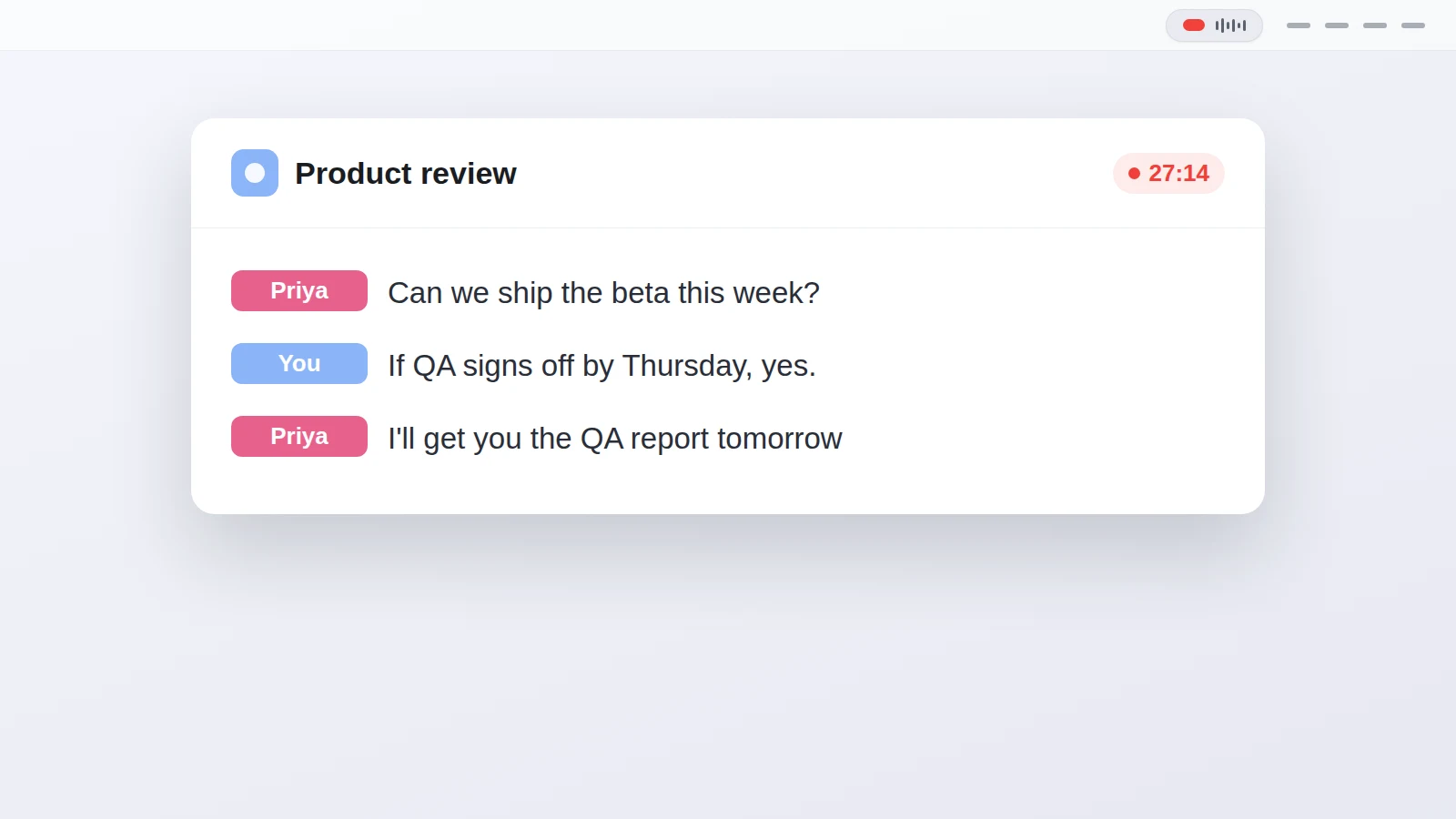 How to summarize a meeting transcript with AI
 without handing the call to a cloud tool: get the text privately, then paste it into ChatGPT or Claude.
How to summarize a meeting transcript with AI
How to summarize a meeting transcript with AI without handing the call to a cloud tool: get the text privately, then paste it into ChatGPT or Claude.
-
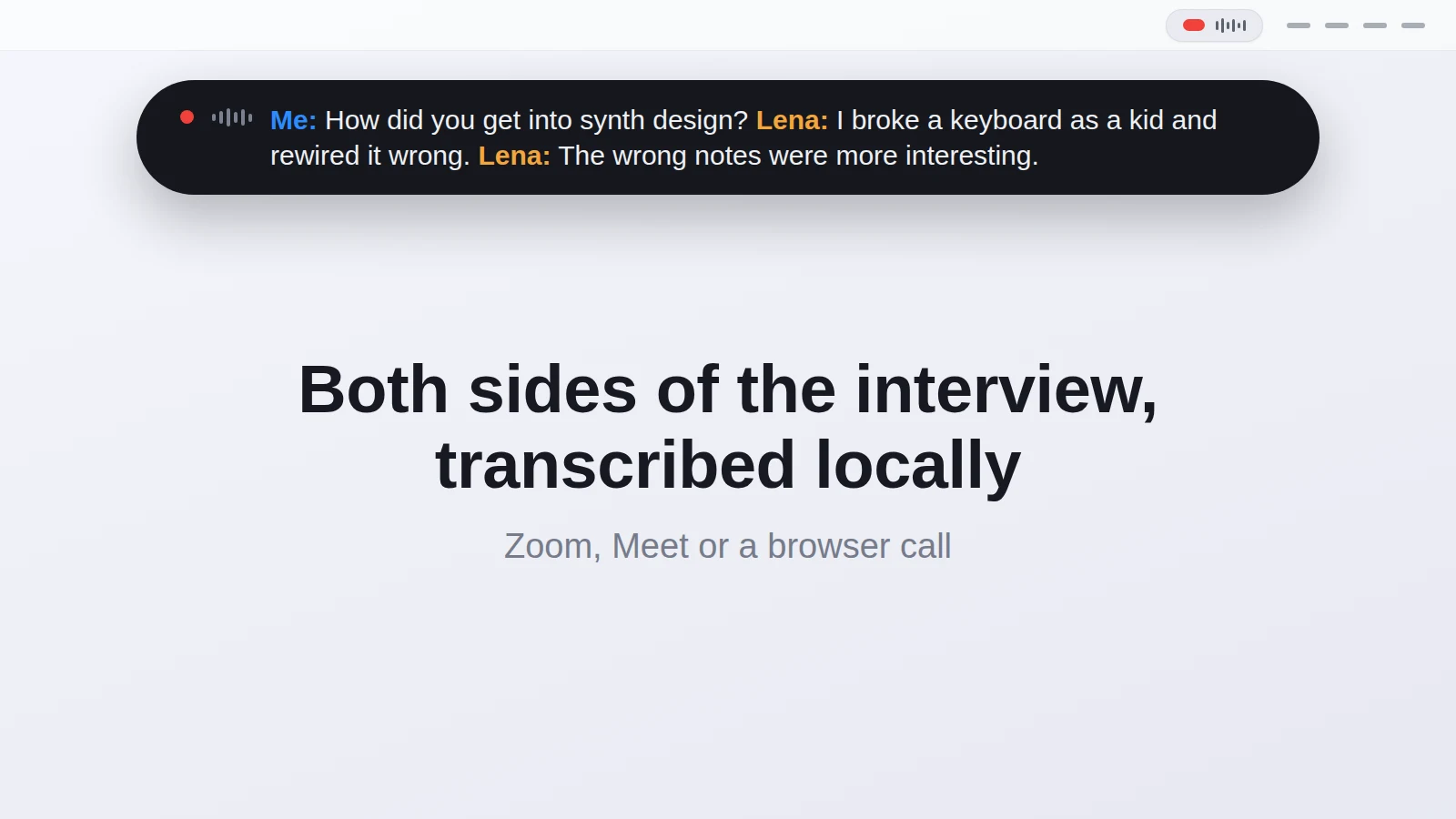 Record a remote podcast interview on a Mac
, capture both sides as separate channels, and get a local transcript without a cloud service.
Record a remote podcast interview on a Mac
Record a remote podcast interview on a Mac, capture both sides as separate channels, and get a local transcript without a cloud service.
-
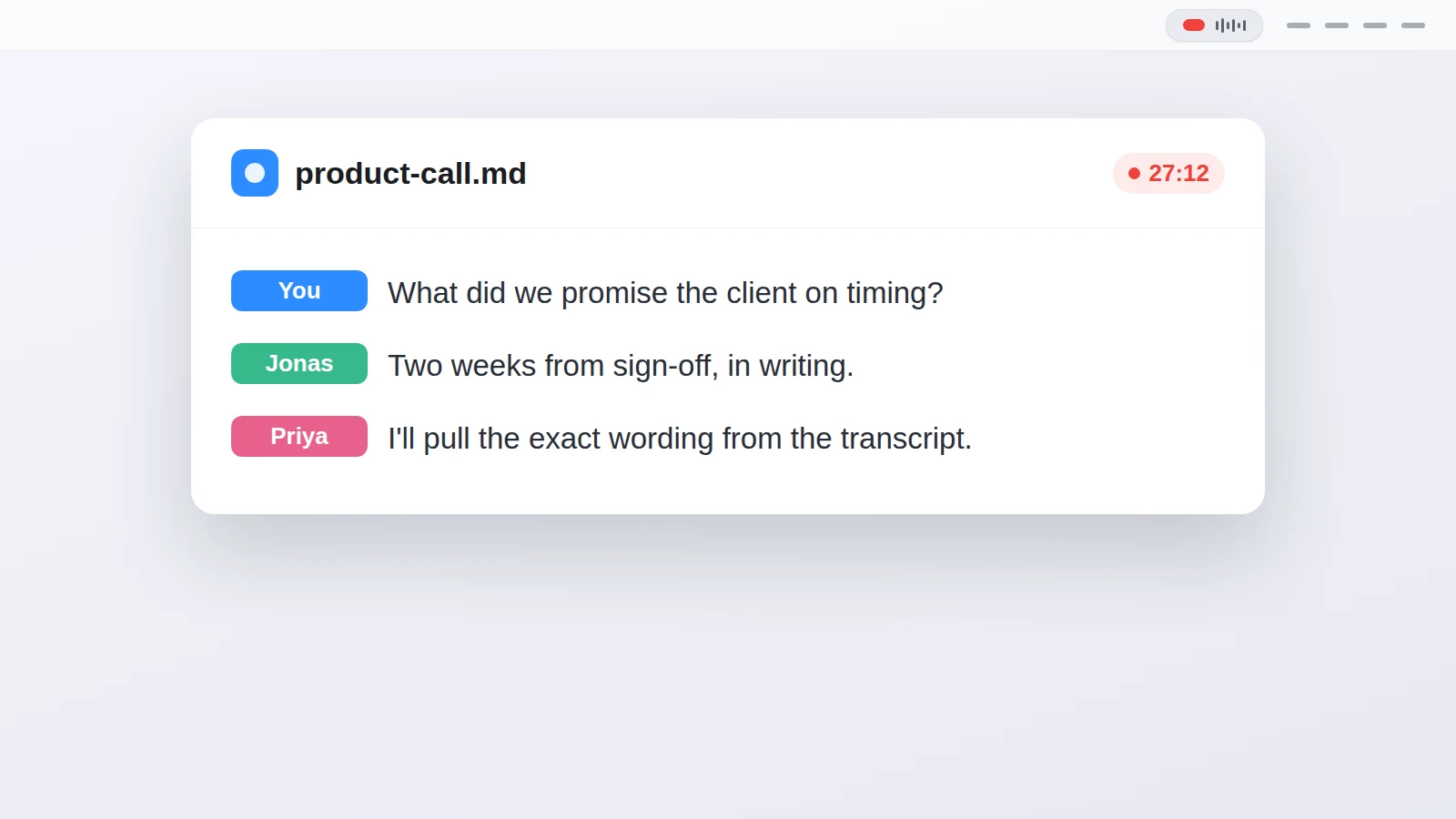 Local AI transcription, and where it fits on a Mac
Local AI transcription runs the model on your own machine instead of a cloud service. What that means, when it is worth it, and where it falls short.
Local AI transcription, and where it fits on a Mac
Local AI transcription runs the model on your own machine instead of a cloud service. What that means, when it is worth it, and where it falls short.
-
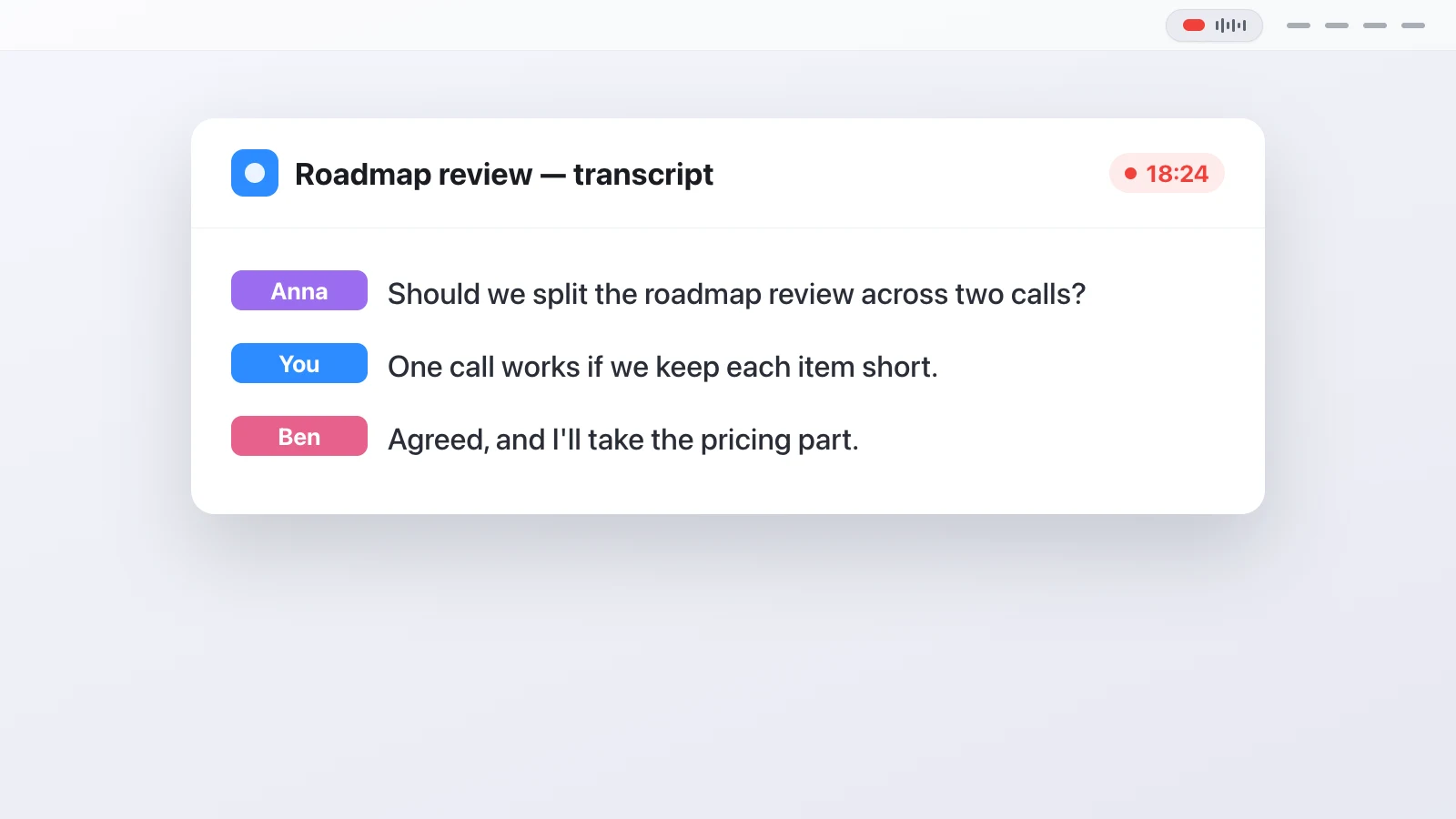 Speaker diarization and why two channels help
Speaker diarization is how software works out who spoke when in a recording. Here's what it does and why two audio channels make it simpler.
Speaker diarization and why two channels help
Speaker diarization is how software works out who spoke when in a recording. Here's what it does and why two audio channels make it simpler.
-
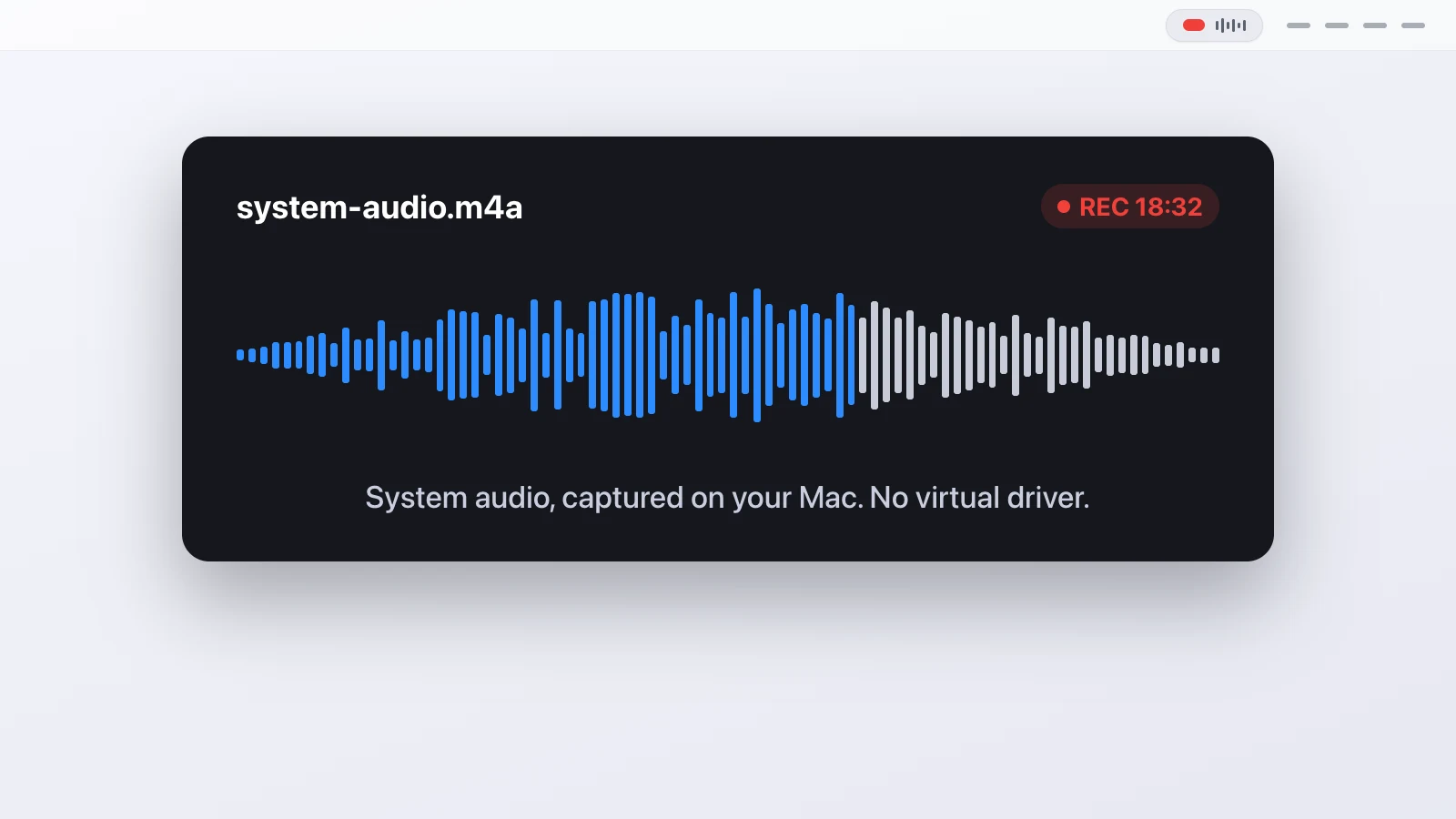 Record system audio on a Mac without a virtual driver
, and keep your microphone separate so you also get a transcript with the speakers labelled.
Record system audio on a Mac without a virtual driver
Record system audio on a Mac without a virtual driver, and keep your microphone separate so you also get a transcript with the speakers labelled.
-
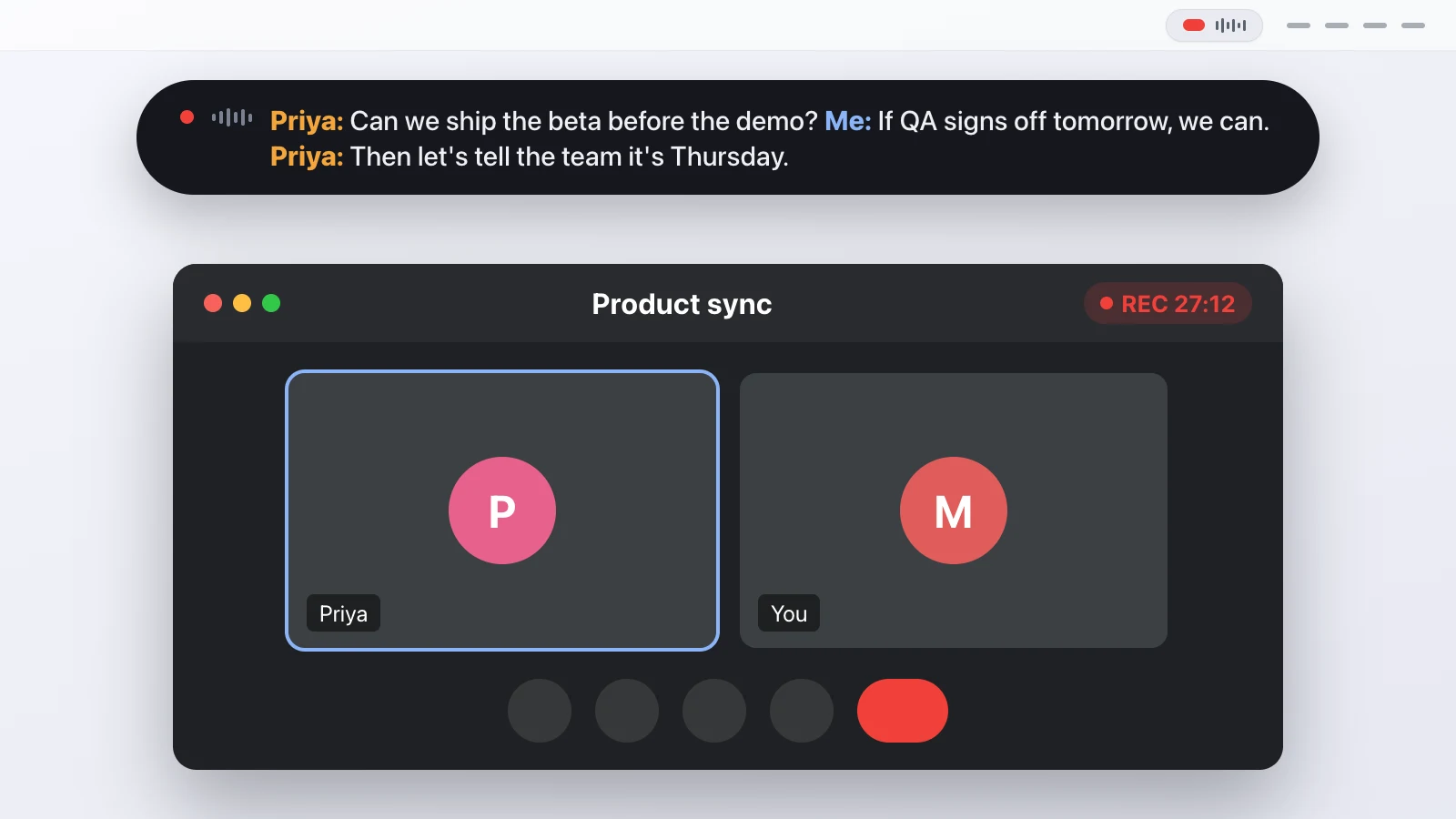 Record a Google Meet call on a Mac and get a transcript
Record a Google Meet call on your Mac, both sides included, and get a local transcript. No Workspace plan, and nothing joins the call.
Record a Google Meet call on a Mac and get a transcript
Record a Google Meet call on your Mac, both sides included, and get a local transcript. No Workspace plan, and nothing joins the call.
-
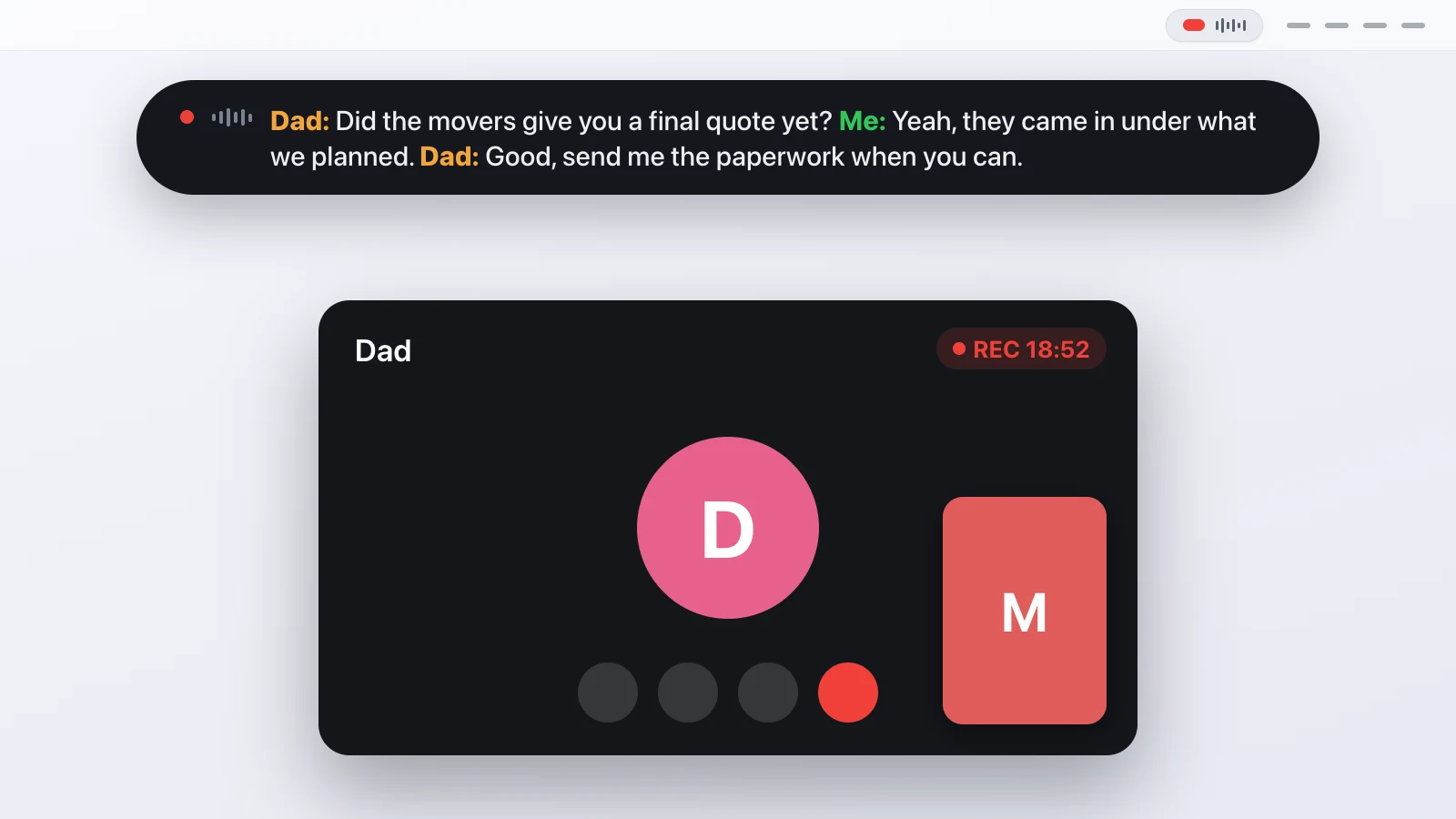 How to record a FaceTime call on a Mac, both sides
Record a FaceTime call on a Mac with both sides and a transcript, even though FaceTime gives you no record button for a video call.
How to record a FaceTime call on a Mac, both sides
Record a FaceTime call on a Mac with both sides and a transcript, even though FaceTime gives you no record button for a video call.
-
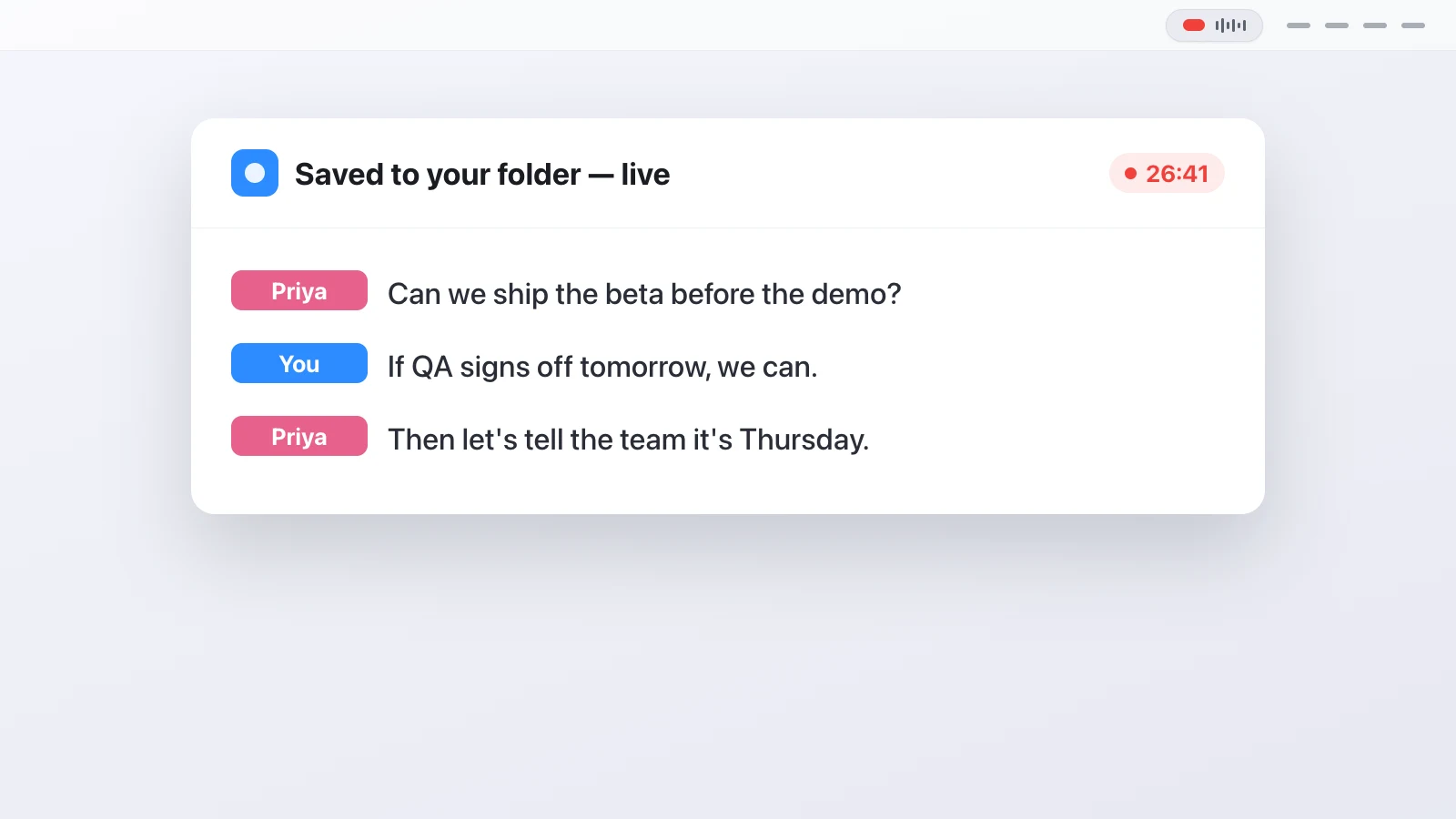 How Transcriber works, from audio tap to transcript file
How Transcriber records both sides of a call on a Mac, transcribes them locally and tells speakers apart, explained step by step with the limits included.
How Transcriber works, from audio tap to transcript file
How Transcriber records both sides of a call on a Mac, transcribes them locally and tells speakers apart, explained step by step with the limits included.
-
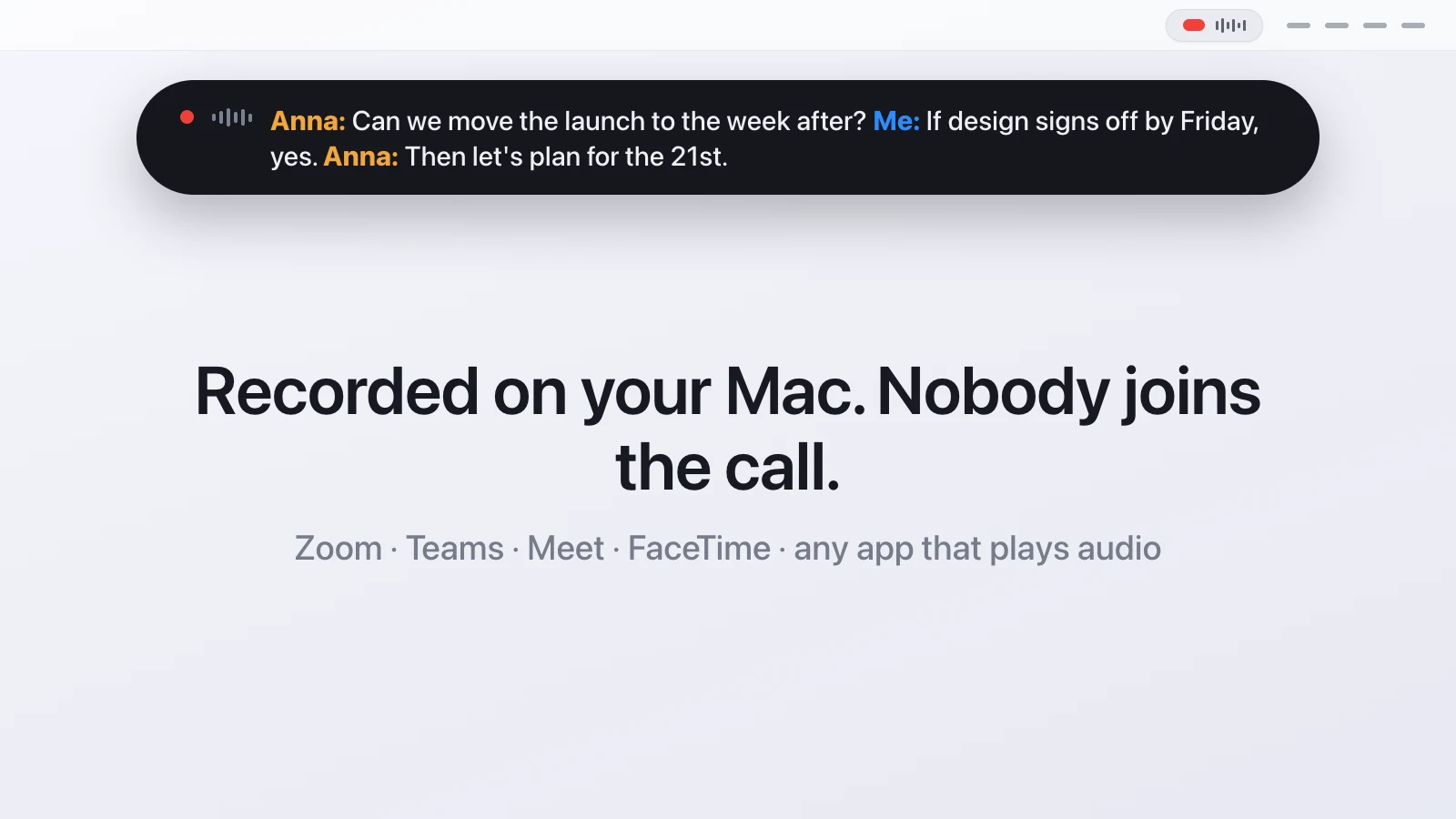 How to record a meeting without a bot joining the call
Record a meeting without a bot joining, on a Mac, and still get a transcript with both sides labelled.
How to record a meeting without a bot joining the call
Record a meeting without a bot joining, on a Mac, and still get a transcript with both sides labelled.
-
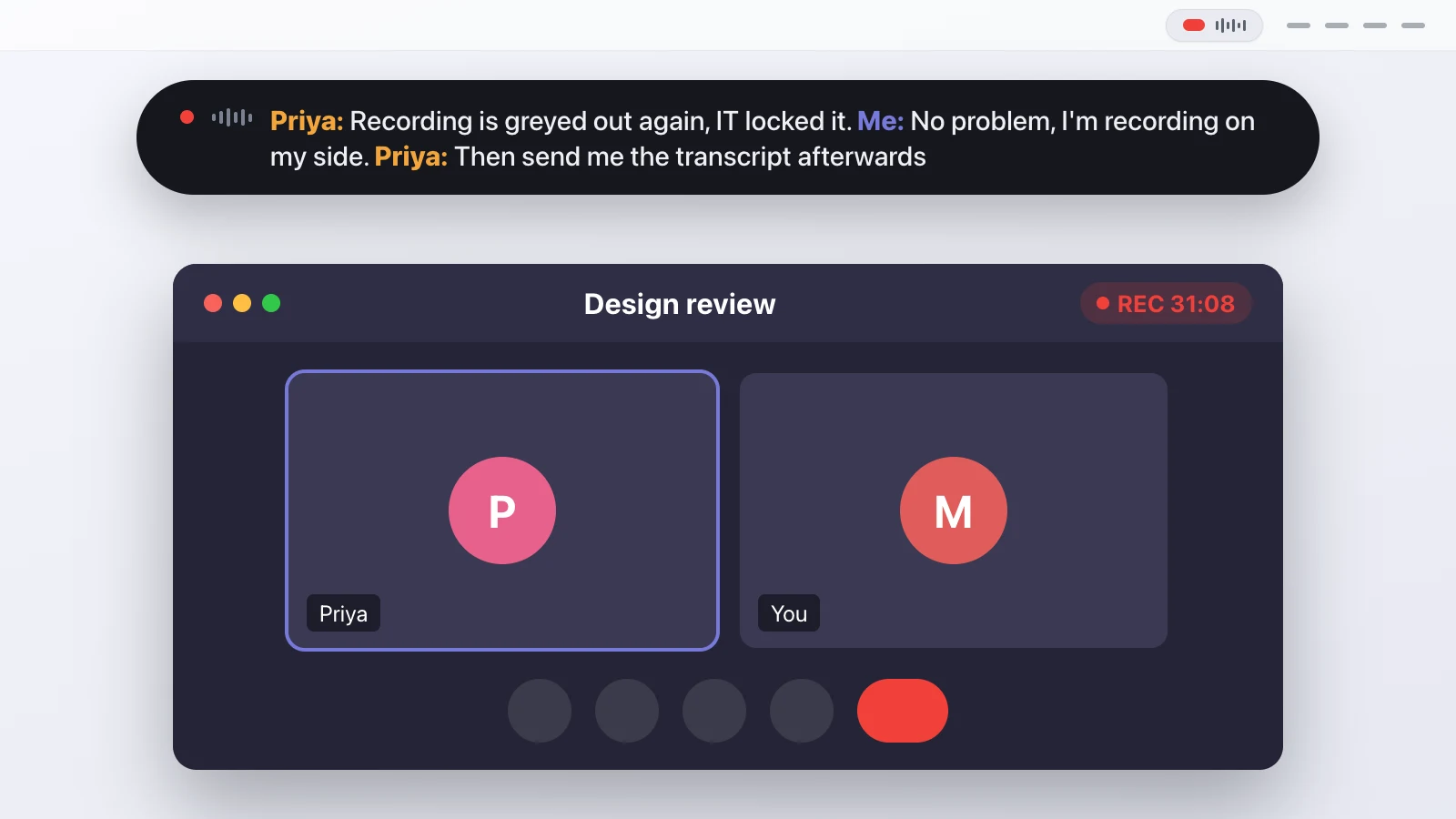 Record a Teams meeting on a Mac and get a transcript
Record a Microsoft Teams meeting on a Mac locally and get a transcript of both sides, without waiting on an admin policy or a cloud upload.
Record a Teams meeting on a Mac and get a transcript
Record a Microsoft Teams meeting on a Mac locally and get a transcript of both sides, without waiting on an admin policy or a cloud upload.
-
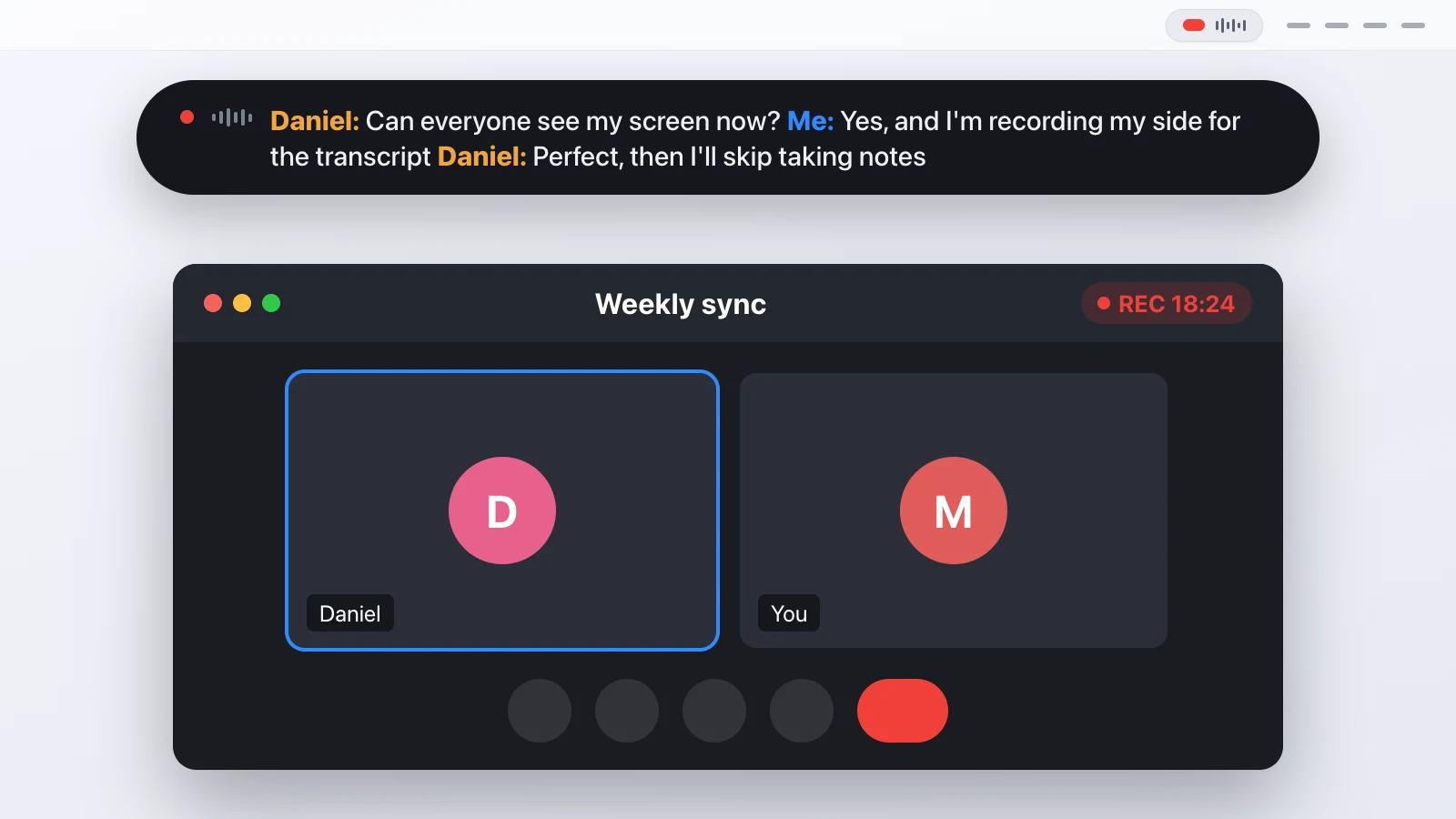 How to record a Zoom call on a Mac and get a transcript
Record a Zoom call on your Mac, with both sides of the conversation, and turn it into a transcript without sending the audio anywhere.
How to record a Zoom call on a Mac and get a transcript
Record a Zoom call on your Mac, with both sides of the conversation, and turn it into a transcript without sending the audio anywhere.
-
 What leaves your Mac when Transcriber records a call
Transcriber privacy in detail. Which network requests the app makes, where audio and transcripts are stored, and what to tell the people on the call.
What leaves your Mac when Transcriber records a call
Transcriber privacy in detail. Which network requests the app makes, where audio and transcripts are stored, and what to tell the people on the call.